Thank you for choosing to register your GForce Select Suite.
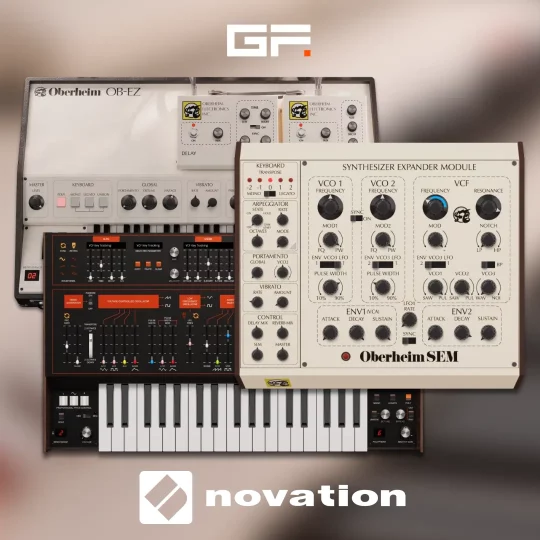
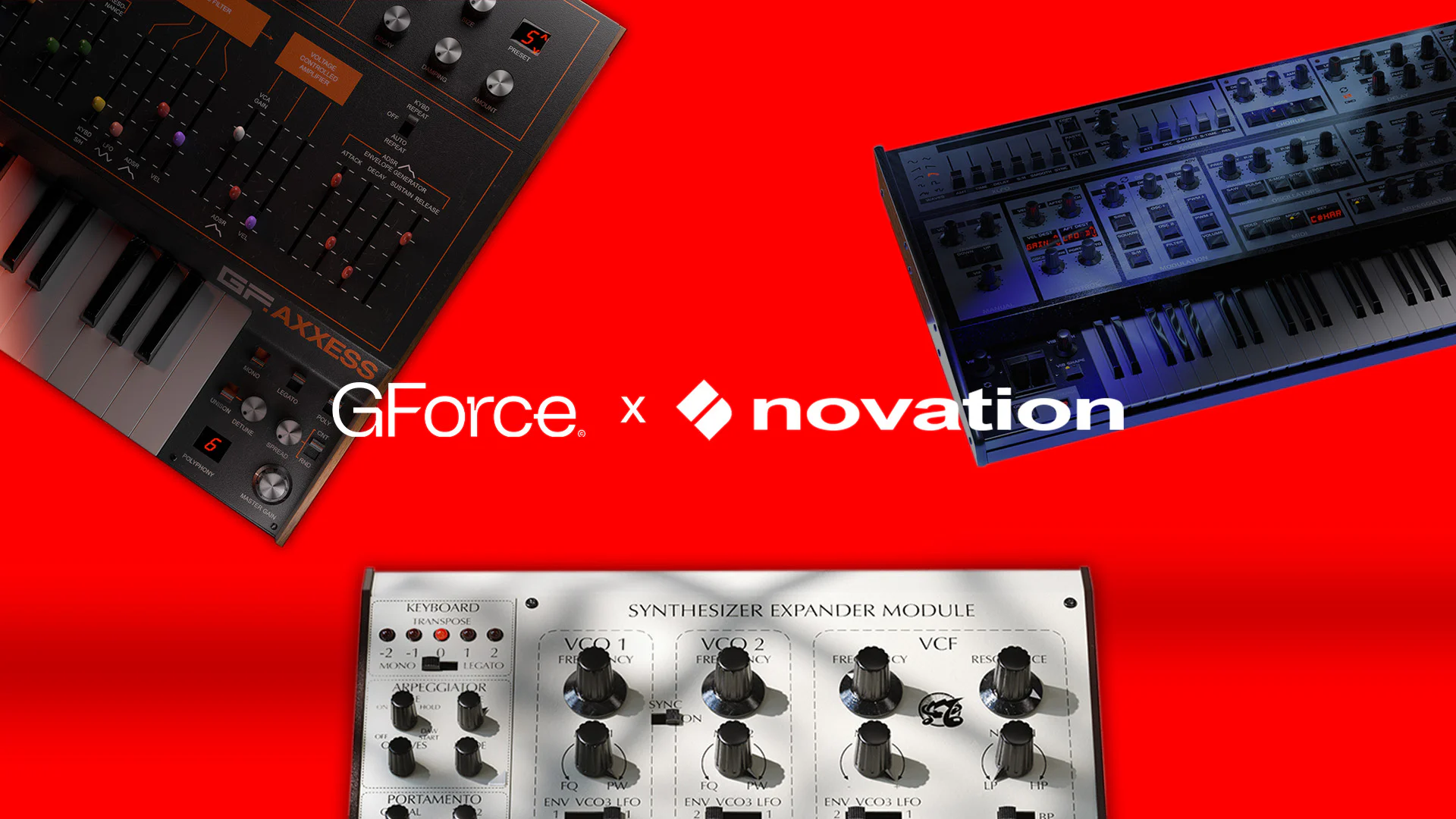
The bundle is composed of Axxess, Oberheim SEM, and Oberheim OB-EZ.
At GForce, we’re dedicated to providing you with the best-sounding musical tools and support to fuel your creative journey. We’re excited to see where your creativity takes you!
Welcome aboard, and happy music-making!
Novation, Oberheim and GForce.
How to register your GForce products
- Please create an account with GForce Software at https://www.gforcesoftware.com/sign-up/ (if you do not already have one).
- Head to https://www.gforcesoftware.com/register-a-product/.
- In the “Product Name” drop-down, select “GForce Select Suite“.
- In the “Product Key” window, please copy and paste the code provided by Novation and click Register.
Your products are now registered and will appear in your GForce Installer and on My Instruments.
Frequently Asked Questions
Our FAQs are available at https://www.gforcesoftware.com/help-and-support/faqs/.
User Manual
Clicking on the instrument Settings Cog icon opens the Settings page, from where you will find the “Manual” button. This links to the online user manual.
Manuals are also available at https://www.gforcesoftware.com/user-manuals/.
GForce Support
Should you need to contact us, please head to https://www.gforcesoftware.com/technical-support/.
Novation Support
Should you need to contact Novation, here is the link to Novation Support.