Try for free
The GForce Installer is your central hub for downloading, installing, and managing your GForce instruments as well as starting free trials.
– Try any GForce instrument free for 14 days
– Full access to all features and sounds
– No credit card or payment details required
– Download and manage all your purchases


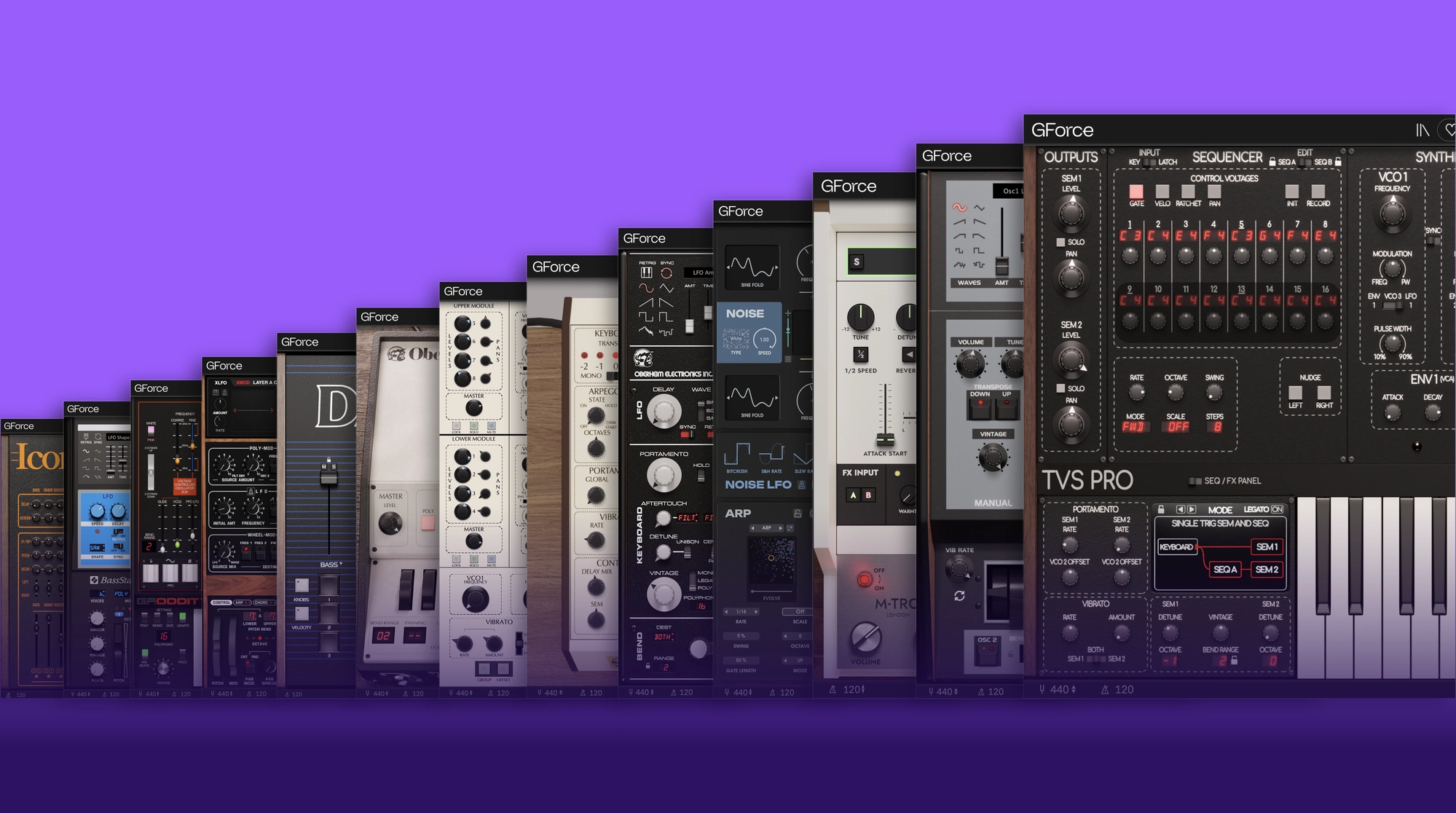
Getting Started with the GForce Installer
The GForce Installer is your central hub for GForce instruments. Use it to download, install and update your purchases or to start free 14-day trials.
1. Download the GForce Installer
You can download the GForce Installer for Mac or Windows using the link above.
An internet connection is required to download your products and recommended during installation and activation.
2. Choose your instruments
Open the GForce Installer to access the products, bundles or subscriptions you’ve purchased, or select an instrument you’d like to try (or try them all).
Eligible GForce instruments can be tried free for 14 days, with full access to their sounds and features.
3. Install and start exploring
Click Install to download and install your chosen instruments.
Once installed, open an instrument in your DAW and start exploring. If you’re starting a free trial, your 14-day trial begins when the instrument is first run.