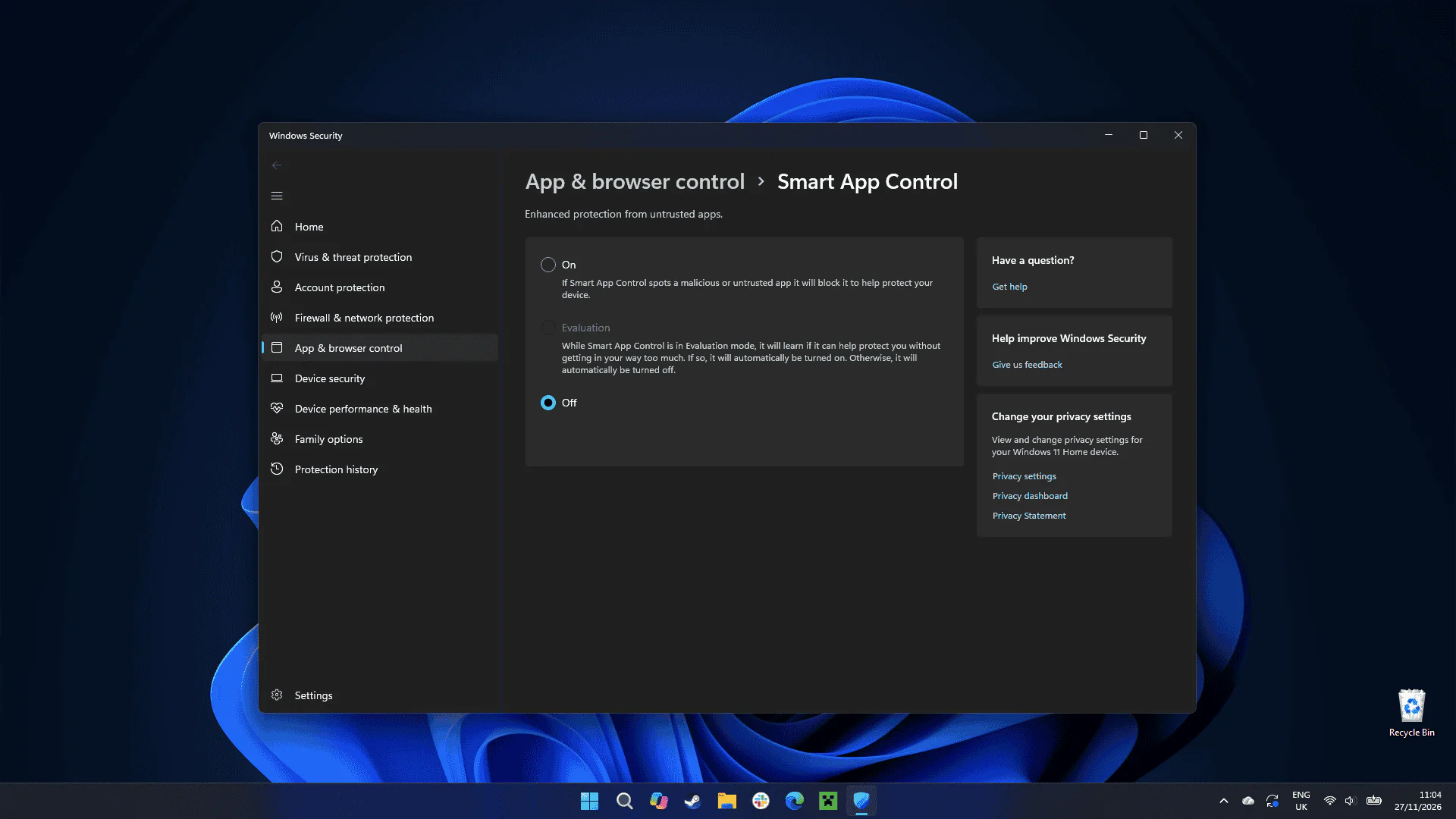
We are aware of issues between our software and the GForce Installer, and Windows Smart App Control. Whilst we sign all of our Windows software and installers with our valid EV Code Certificate, Smart App Control may still block our installers from running. When installing via the GForce Installer this will show as an error message saying “An Application Control policy has blocked this file.”
In this case, I’m sorry, but you will need to disable Smart App Control temporarily whilst installing GForce software.
In the past it was not possible to re-enable Smart App Control once it was disabled. This is no longer true and up-to-date versions of Windows Smart App Control can be reenabled after installation. If your Smart App Control is not up-to-date, there are plenty of warnings telling you that disabling it is permanent.
Please make sure that you only ever acquire GForce Software from our website or the GForce Installer. You may also wish to check the certificate of our installers, which you can do by right-clicking any GForce installer or application, selecting Properties > Digital Signatures, and finding GFORCE SOFTWARE LIMITED in the Embedded Signatures sections.
How it Works
Windows Smart App Control works by crowd-sourcing installation data from all systems with it installed. When we release a new product or update, it will take some time for Microsoft to become aware of enough installations of that software to start allowing it to pass Smart App Control. By installing GForce software on your computer you will be helping us cross the required threshold and enabling other users to install it more easily.