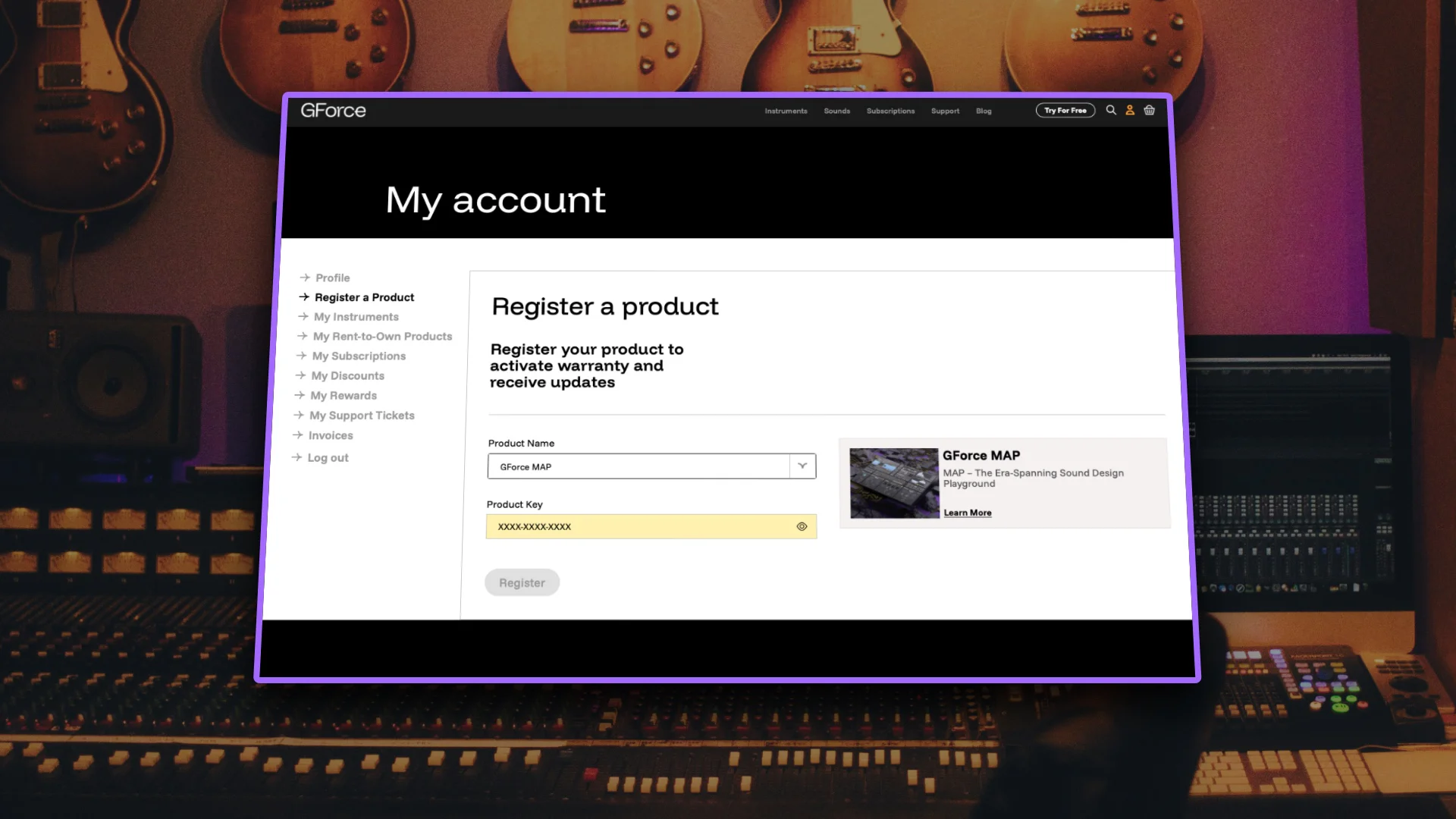
If you have purchased a GForce Software product from a third-party retailer you will have received a unique code to use on our website to claim the licence. Different retailers may call this code a serial, a reg code, product key, no matter what they call it, it’s the same thing.
Here’s how to get going:
- Log in to your account on gforcesoftware.com – create one if you need to.
- Select Register a Product from the account menu on the left.
- On the registration page, select the product that you have purchased from the dropdown list.
- Paste the code that your retailer sent you into the Product Key field.
- Download the GForce Installer
- Log in to the GForce Installer with your gforcesoftware.com account.
- Select My Collection at the top to view your registered products and install them.
Note
If you purchase your software directly from us, registration is automatic and you’ll find products available to install immediately after purchase.