Known Issue
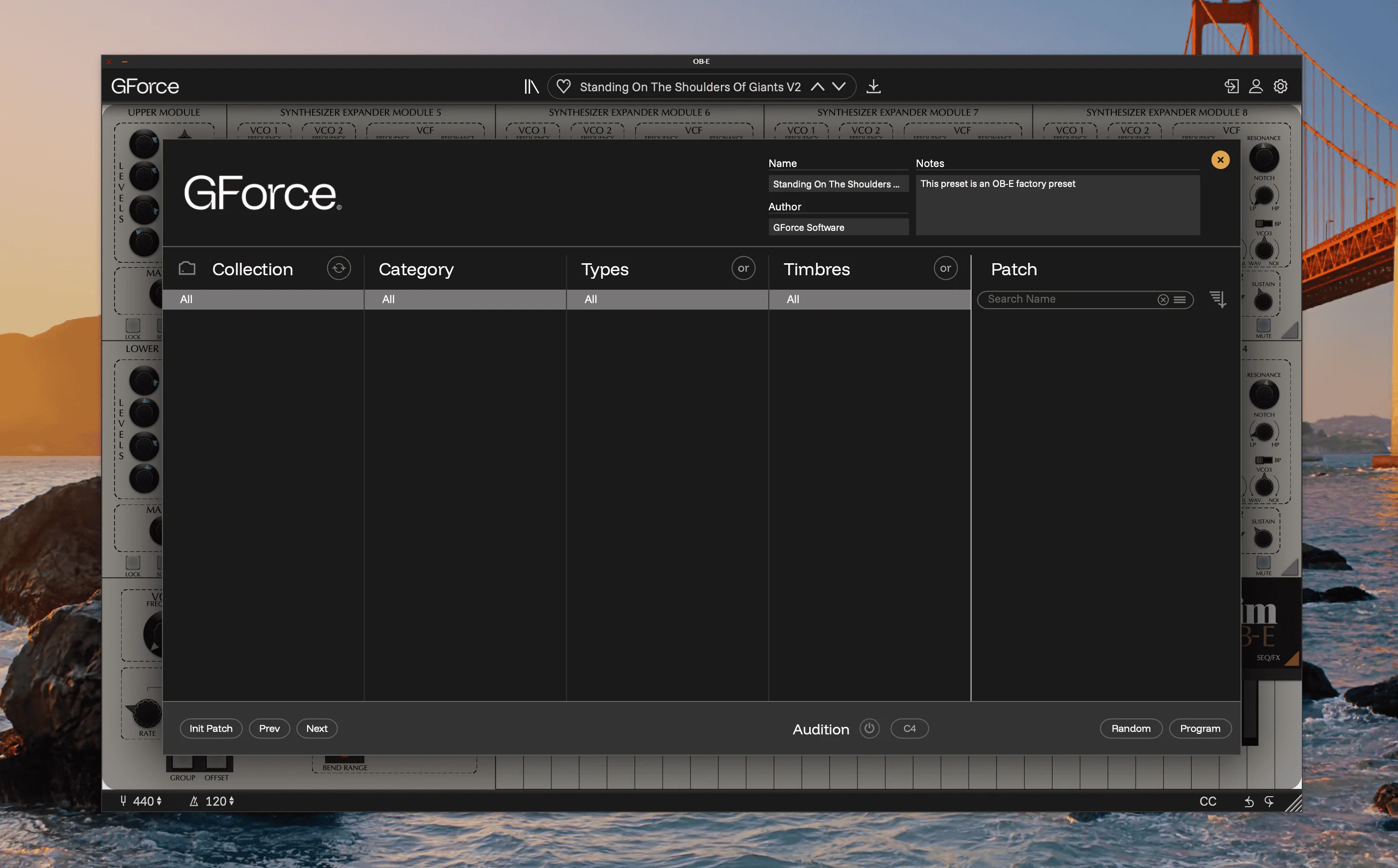
Thanks to our browser keeping a cache of presets, it is possible to find the cache out of sync with the actual installed presets. This can show as an empty preset browser (seen above), or as missing favourites or custom tags.
Solution
Please rebuild the cache by clicking the Rescan icon in the browser. This looks like two cycling arrows above the Collection column.
If this doesn’t work, click the folder icon to enter the Collection Management Screen. Here, click reset and then rescan. And finally if that doesn’t work, something’s really got in a knot. Please uninstall and reinstall the instrument.