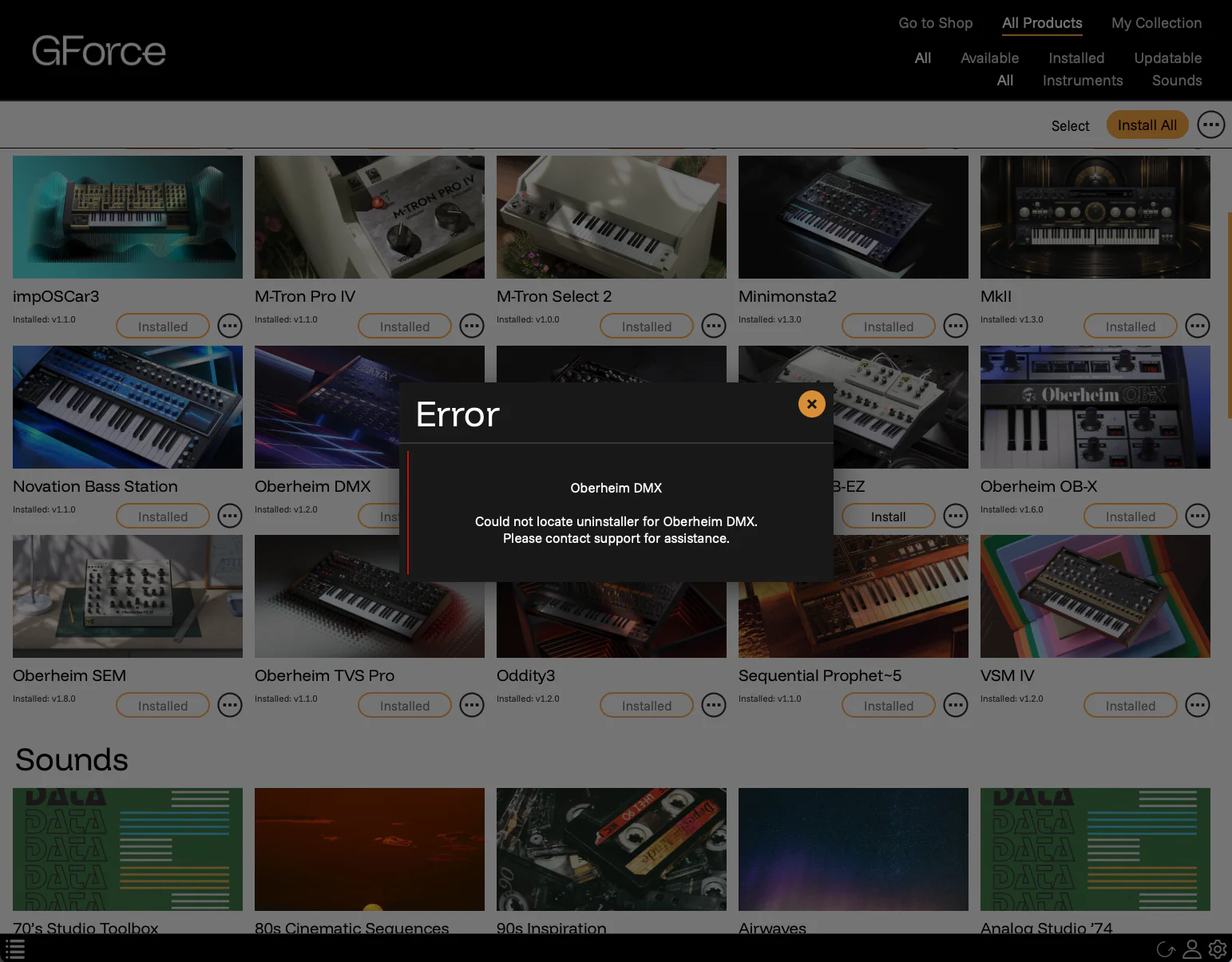
If you’ve received the Error message:
Could not locate uninstaller for [instrument name]. Please contact support for assistance.
This is usually because you installed this instrument via its individual installer DMG downloaded from our website, and not the GForce Installer application. The quickest solution is to counter-intuitively reinstall the instrument via the GForce Installer and then uninstall it again.
Solution
- In the GForce Installer, click the … menu on the relevant instrument card.
- Select Reinstall, click install on the options window.
- Wait for the process to complete and the card says Install again.
- Now access the … menu again and select Uninstall.
Alternative Solution
Redownload the individual DMG for the required instrument from the My Instruments page in your account. Open the DMG and run the uninstaller from there.