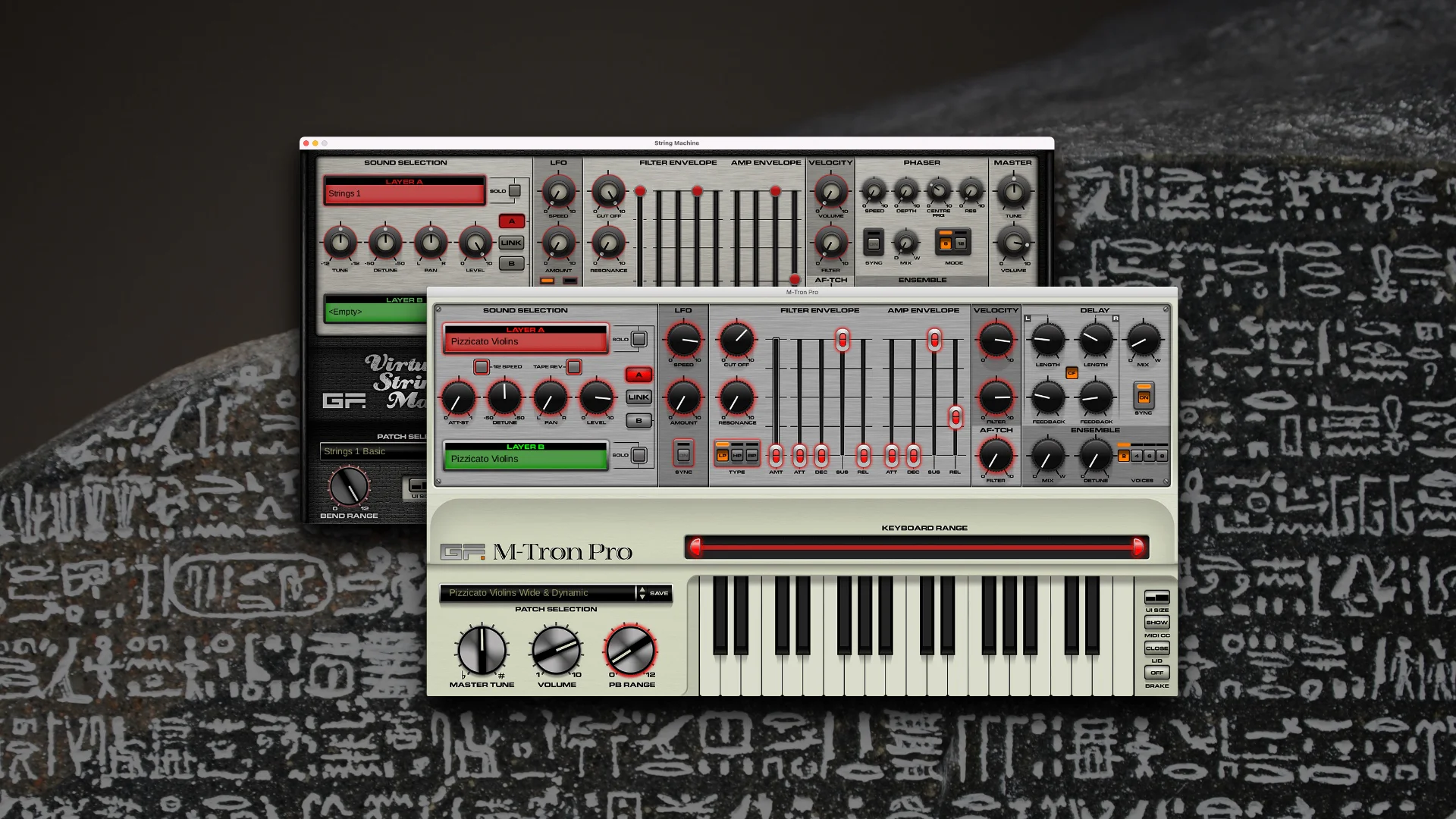
Whilst M-Tron Pro and Virtual String Machine will happily work on an Apple Silicon Mac via Rosetta, changes from macOS Ventura and newer are blocking the setup messages from appearing on Apple Silicon machines. This in turn causes these instruments to load up with no GUI or sound.
Affected Users
M-Tron Pro and Virtual String Machine users installing these legacy products fresh on a new Apple Silicon based Mac.
Known Issue
The GUI loads without any images, appears to be blank, and the instrument makes no sound.
Solution
- Find your DAW (Logic Pro or similar) in the Applications folder. Right-click it and open Get Info.
- Tick the “Open with Rosetta” box.
- Run the DAW.
- Load M-Tron Pro or VSM in the DAW, you should now get the messages requesting the library link and serial. Complete them.
- Close M-Tron Pro, VSM, and your DAW.
- If your DAW uses AUs, untick the Open with Rosetta box.
- If your DAW only uses VST (Cubase) or AAX (Pro Tools) you’ll need to keep Rosetta mode on for your DAW to use these instruments.
Upgrades
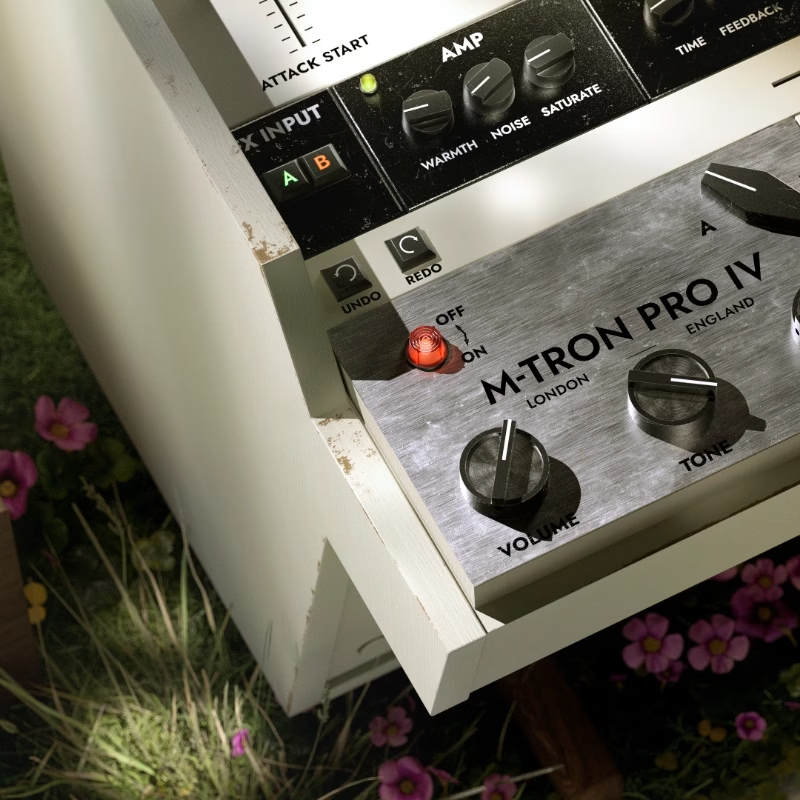
For full native Apple Silicon support you may wish to consider upgrading to the new M-Tron Pro IV or VSM IV. Upgrades are 70% off list price, log in to your account and add M-Tron Pro IV or VSM IV to your basket where the price will be adjusted before purchase.
Be advised that Apple has announced the end of Rosetta support in macOS 28. Therefore we anticipate macOS 27 (Golden Gate) to be the last compatible OS for legacy instruments.