June 24, 2026
by GForce Software
An article by Reverb Machine.
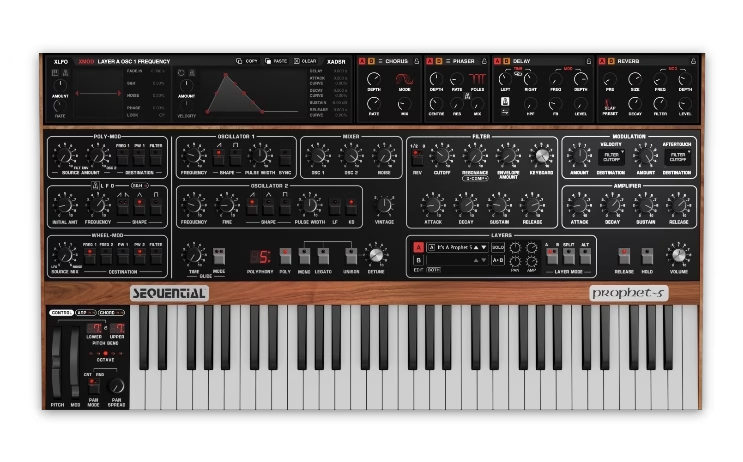
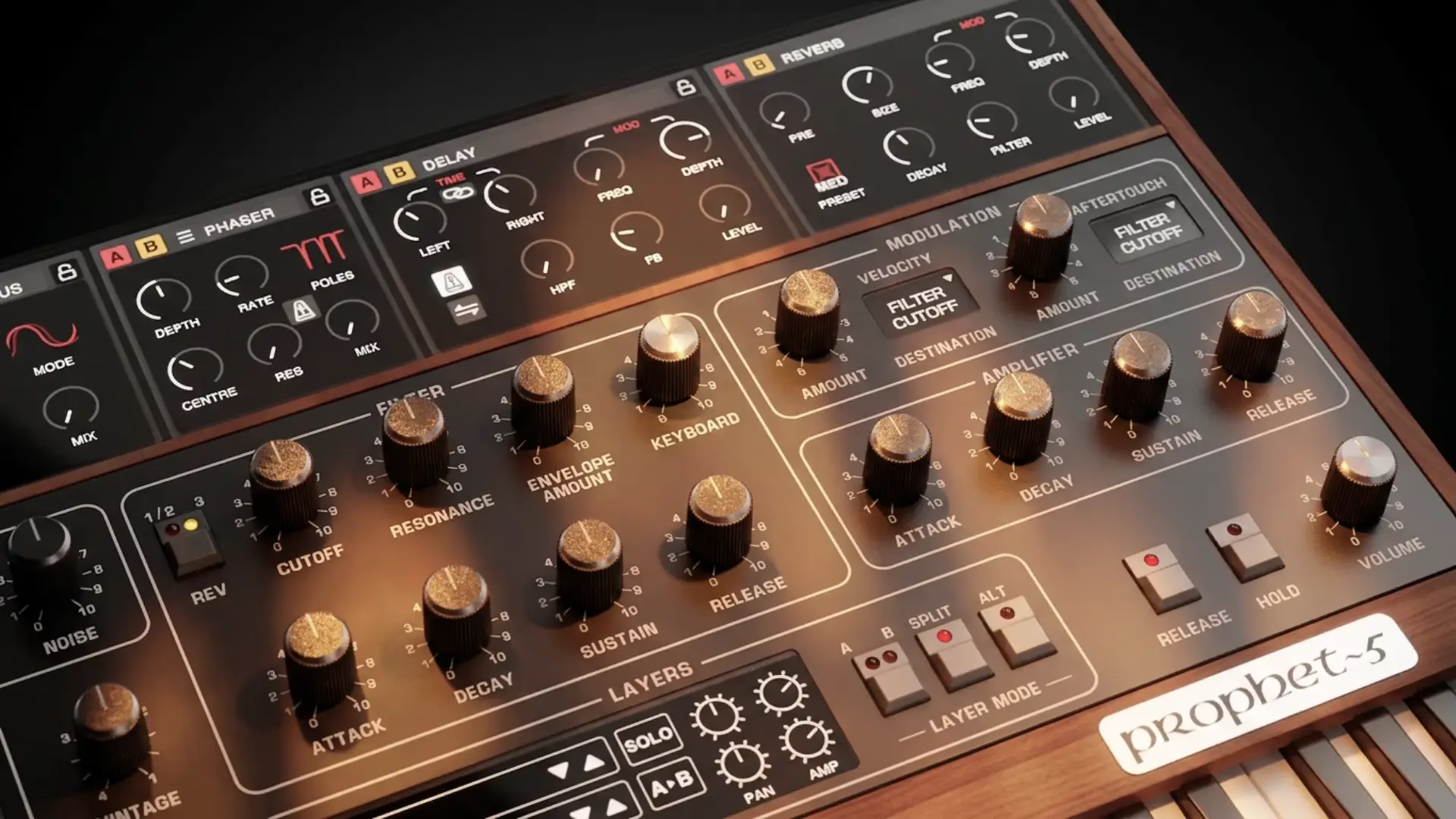
As part of the factory sound set for GForce Prophet-5, I put together two demo tracks using only my factory presets. The first one explored a trip-hop influenced sound inspired by Boards of Canada, but for this second demo, I wanted to explore my synthwave-inspired presets for Prophet-5.
Ventura Haze is a synthwave track built around a simple four-bar chord progression. To add variation, I split the arrangement into two contrasting sections. The first features a soft sustained pad playing the chords, while the second takes the same progression and turns it into something more rhythmic and driving. There’s a simple drum beat throughout that ties the two sections together. Here’s the full demo:
Ventura Haze Pad
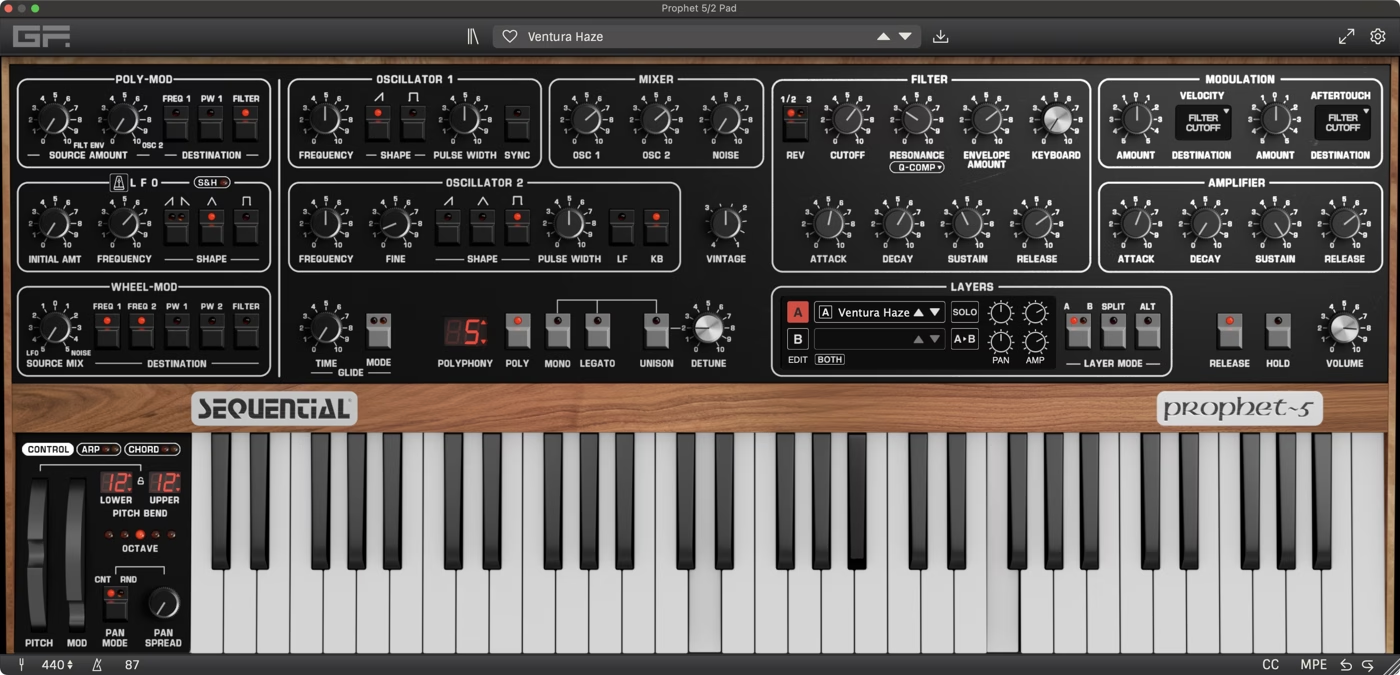
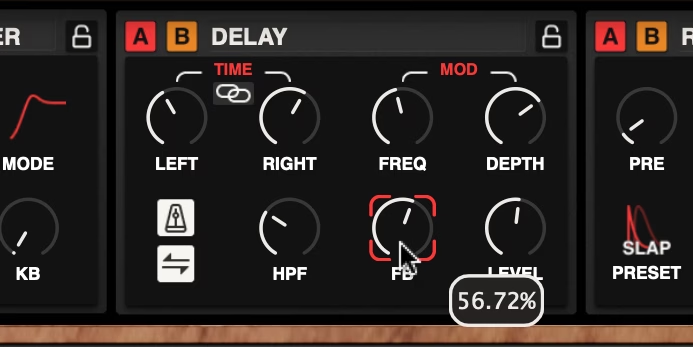
The track opens with a wide, dreamy pad playing open triads. I used my Ventura Haze factory preset for this, which the demo is named after. It’s a fairly simple patch using detuned sawtooth waves. A lot of the character comes from the vintage knob, which is set to 50%, creating more detune. The delay effect contributes to this too: the modulation depth is turned up to 56%, which applies an LFO to the delay time, creating pitch variation that’s most noticeable in the tail after you release the notes.
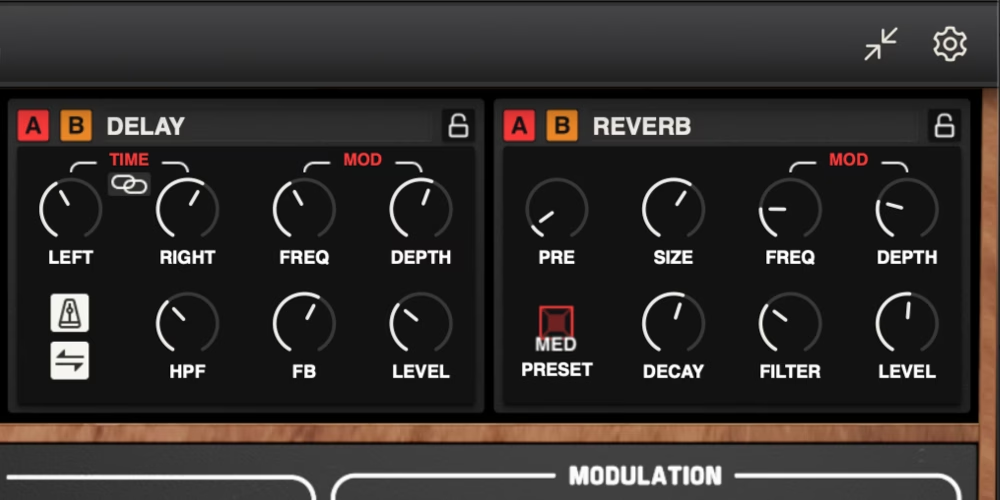
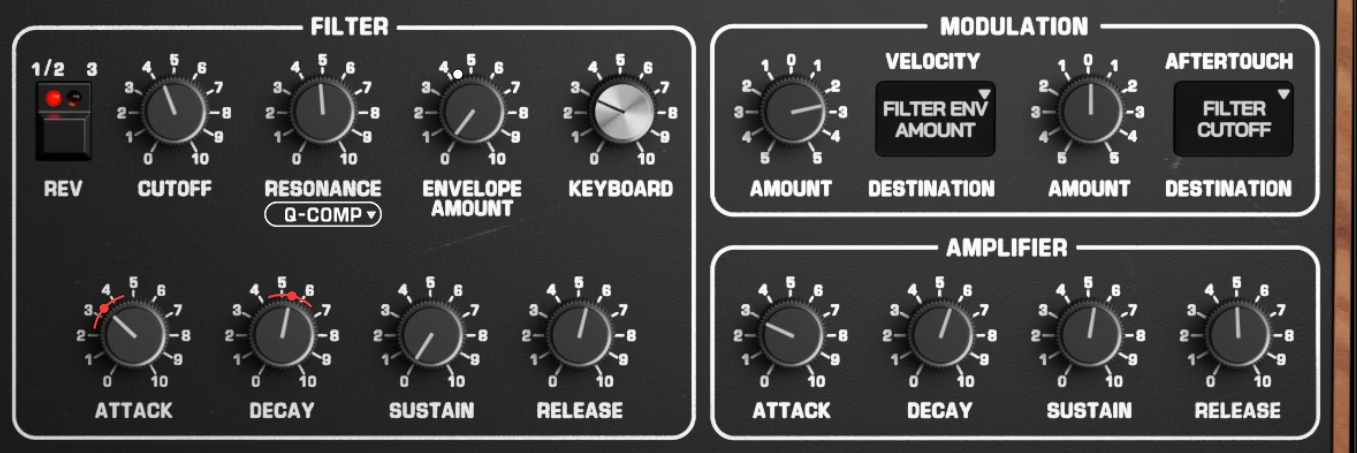
For the soft attack, the amplifier envelope attack is set to 350 milliseconds, and the filter attack is set to 224 milliseconds, so both the level and the filter fade in together rather than hitting immediately. It’s a pretty simple patch, but the combination of delay modulation and vintage knob gives it a lush sound.
Gemini Plucks
For the second section, I wanted something to contrast with the soft pad, so I used a syncopated pluck pattern. This is my Gemini Pluck factory preset, which is a brassy pluck. Rather than having a zero millisecond attack for an aggressive, snappy sound, the attack is set to around 6 milliseconds, which isn’t a lot, but it softens the transient just enough to give the note a soft, brassy quality rather than a sharp one. You can really hear it when the filter resonance is raised, like it is in this patch.
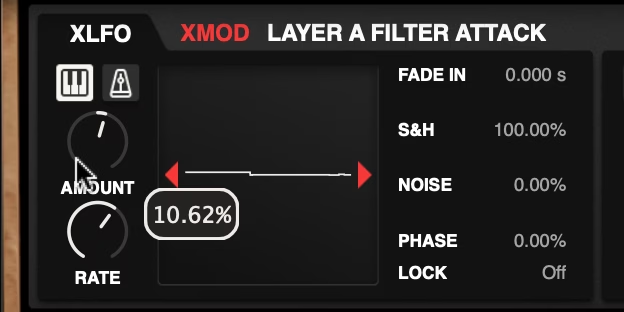
I also used a small amount of XLFO applied to both the attack and the decay, with both set to the random waveform at a very slow rate. The keyboard retrigger button is on, which means each new note gets a fresh random value, so every note in a sequence has a slightly different attack and release time. Combined with the vintage knob at 62%, the envelopes vary from note to note in a way that stops the patch from sounding too ‘machine-gun’-like when you’re playing repeated notes.
There’s also a rhythmic delay effect on this patch. The left channel is set to eighth notes and the right channel to quarter notes, creating a ping-pong effect that fills in the space between notes when you play a syncopated rhythm. Check out the patch with and without the delay effect:
Bassline Rhythms
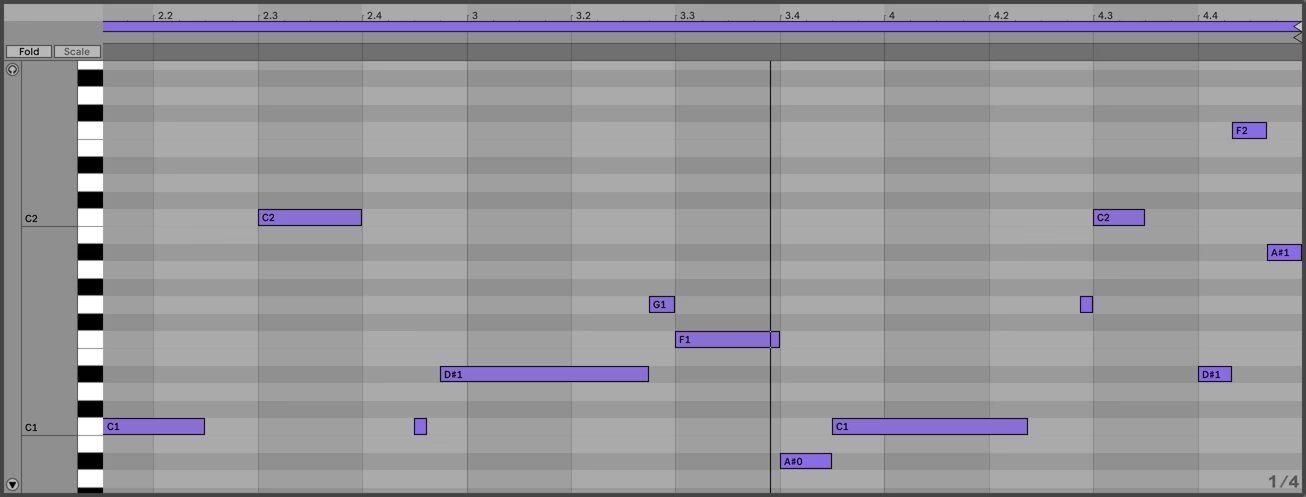
There are two bass tracks in the demo: I used my Turbo Runner preset for the long, sustained notes under the soft pad, and my Tyrell Pluck Bass preset for the shorter, more aggressive bassline in the second section.
The basslines are where most of the rhythmic energy comes from. Since the drums are keeping a fairly straight kick-snare pattern, I used the bass to create movement instead. One trick is introducing note values that don’t appear elsewhere in the arrangement. The phrase at the end of the first bassline closes with an eighth-note triplet, which briefly disrupts the steady eighth and quarter-note grid. The second section uses a quick 32nd-note run for a similar effect. Because they only appear occasionally, those moments catch your ear more than if they were used throughout the track.
Zen State Arp
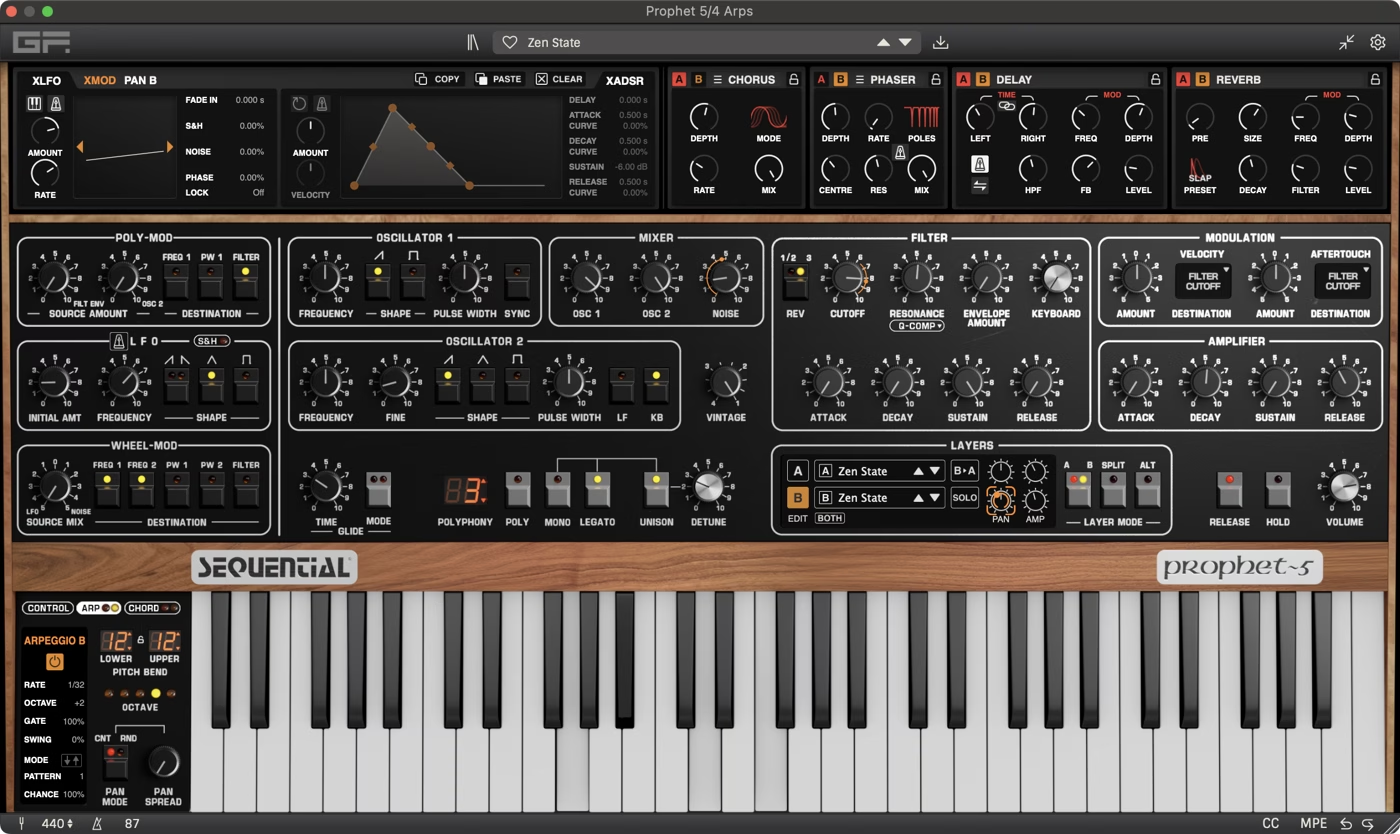
In the second half, I introduced an arpeggiator patch from my Zen State preset. Prophet-5 patches can have two layers, and each layer can have its own arpeggiator settings. Here, layer A is a sustained pad while layer B runs an arpeggiated sequence, so a single chord triggers both parts at once.
The arp is slowly auto-panning from left to right using the XLFO assigned to the layer pan control. With a six-second cycle, it moves very gradually across the stereo field, while the pad stays fixed in the centre.
Ableton Live Project
If you have GForce Prophet-5 and want to look at any of these patches in more detail, you can download the full Ableton Live project for the demo from your account in the Prophet~5 downloads.
The project includes all of the synth patches used in the track along with the arrangement and automation. The only plugin required is GForce Prophet-5.