February 4, 2026
by Graeme Rawson
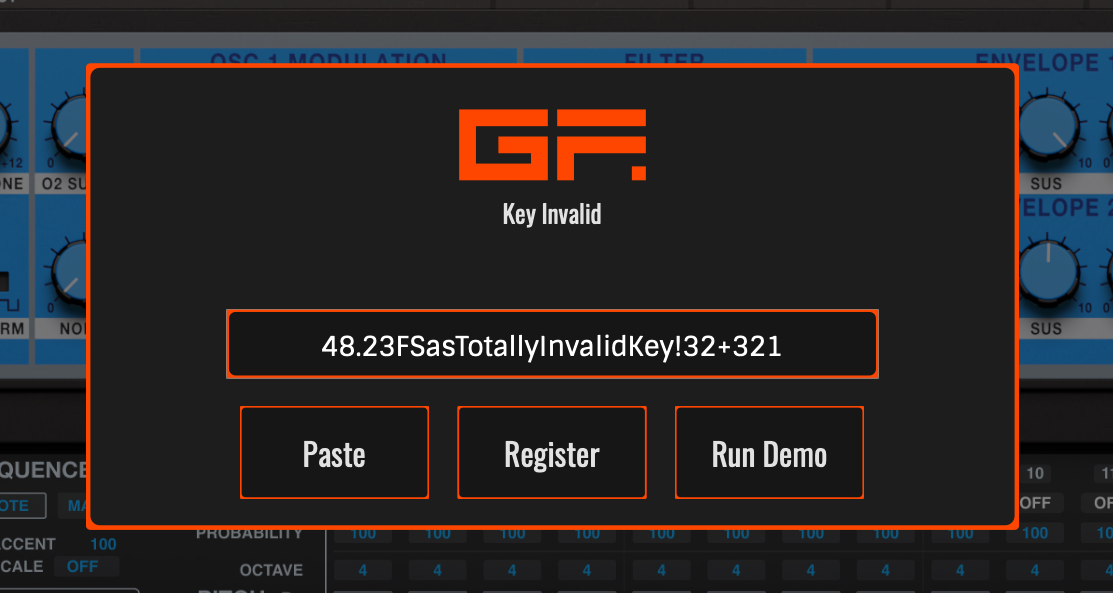
Our activation keys are long and are difficult to manually enter. Please make use of the copy code button next to the key in your My Instruments page, and the large paste button on the instrument when asked to register your purchase.
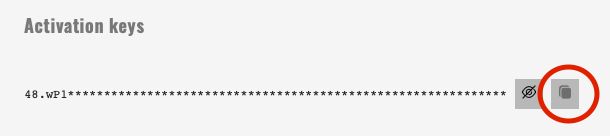
This will prevent any accidental spaces being copied or double-pastings that can occur if manually highlighted and pasted using cmd or ctrl-v shortcuts.
Purchases from Other Shops
The most common reason behind a validation failure is a confusion between the two types of codes you may have if you purchased your instrument from a third party retailer, like Plugin Boutique or Thomann. Or if you got it included in a purchase bundle from our partner companies like Novation, or Audient.
These shops will have given you what we call a Registration Code, they may have called it a serial number, or any other term like that on their own website. This code can only be used on our website on the Register A Product page in your account, they won’t work in the instrument.
Select your product from the list and paste the registration code. This will now add the product to your My Instruments page, where you’ll have a different code to use in the instrument itself. Use the copy and paste buttons provided on the My Instruments page and in the instrument for certain success.